As I was photographing
this spread in my Project Life album (and staring at my toes), I decided to play around with my camera and show you how I take my completed Project Life photos AND also why I take my photos in manual mode.
Before I get started, though, I just wanted to share that I definitely DO NOT consider myself a photographer. I take pictures. Usually of my kids and pretty papers. That's about it. I do, however, really love taking photos, setting up shots and finding pretty light. Everything I know about my camera and photography, I taught myself by trial and error.
MY CAMERA
I have a
Canon T1i. I purchased it as a kit camera from Costco about 4 years ago and have greatly enjoyed it! It gives me the freedom to shoot in manual mode, and that's what I love most. I might upgrade one day, but we shall see.

For the most part, I set my photos up as you see in the above two pictures. I use a l
arge white foam board (that I ordered from Amazon, but you can find them at Target or office supply stores), a stool to stand on, some pretty light and my camera. I've really paid close attention to my room and know when it gets the best light. Morning light isn't good because it's too harsh and anything after 4:00 p.m. gives a blueish-tint to my photos that drives me batty. Anytime between 11-3:30 is pretty perfect in this room. To the right in the photo above, I have two large windows, and you can see how I set my white board up a few feet from my wall. I always make sure that my board is outside of any direct sun rays. And I also try to position my board so I don't see any harsh shadows on my projects (this applies more to scrapbook pages where you have lots of layers and depth).
I then lay my spread down on the white board trying to center it in the middle. I always stand behind my board (to not cast a shadow on my project), and I always photograph my spreads (or any project, really) with them facing the sun (so it's usually upside down to me). By facing them towards my windows, I'm (hopefully) eliminating any shadows or overcasts on my project.
Then I focus and take my photos.
I use the lens that came with my camera. While I love my
50mm lens, I have a difficult time getting a good focus inside. My kit lens is usually pretty good as long as I have good light.
MANUAL MODE
So I mentioned previously that I only shoot in manual mode. It took me a while to feel comfortable enough to do that because it does require me to pay attention to details and settings (ISO, shutter speed, aperture, exposure...). BUT...I wouldn't have it any other way. You probably know that I like my photos bright and light, and shooting in manual mode is the only way I've found to do that (without having to do lots of post processing).
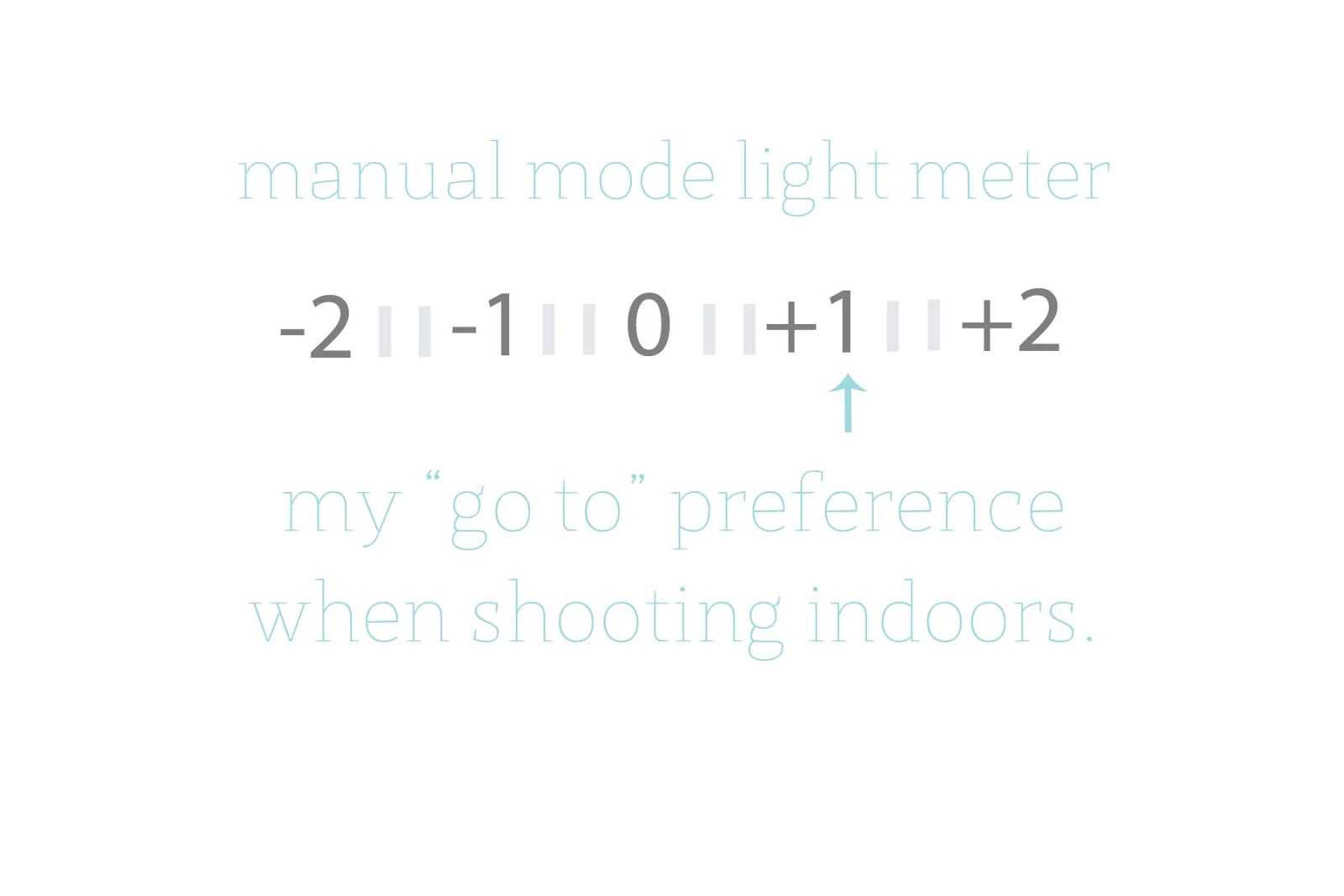
When I take my photos, the main thing I change is my light meter, or exposure. I'm basically "over-exposing" my photos. BUT...the thing you have to remember about exposure is that it's totally dependent on your light source. If I'm outside on a pretty day, or even on a cloudy day, I'm less likely to play around with my exposure (maybe just a little). If I'm indoors and am trying to get as much light as possible, I'm definitely playing around with my exposure. My goal isn't to over-expose or make my photos seem unnatural. My goal is to make them look like they do to the naked eye (and I have really good eyesight, so maybe I see things naturally a little over-exposed. Who knows?).
Below are a few examples of what I'm talking about and why I choose to play with my light meter as I photograph.
This photo was taken at "0", or basically the setting my camera would be on if I used the automatic settings and let my camera do all of the work. It's so dark. Like really dark. My room was so bright and light, and this is just not what I was looking down on.
Ok...so let's bump it up a little.
(Get out your manual and play around to see how to do this...)
The light meter is divided into thirds, so I increased my exposure by 1/3.
Nope. Can't do it. It's still way too dark.
And another increase...
It's a little lighter, but still not the same as what I'm seeing with my naked eye.
Now I'm at +1 on my light meter.
My white board is actually looking white, instead of grey and the colors on my project are starting to pop a little.
Let's go up a little more to see what happens...
I've increased my exposure a little more and you see the board is brighter and whiter. It looks pretty decent from this photo, but when I uploaded it to my computer, it was actually a little too blown out for my liking.
So...I went with the +1 exposure photo, cropped my image, removed the color cast (that's the grey undertones you see in the above photo...I can share more about this if anyone is interested) and tweaked my exposure just a wee bit in Aperture and then uploaded it to my blog.
Here is a look at my cropped spread...
That's why I shoot in manual mode. Because I want to have the control over the light and brightness of my photos. I want them to look like I see them, not like how my camera thinks they should look.
If you have never ventured out of automatic, I highly recommend it! Get out your manual and read about your settings. Play around with your camera and take a million photos just to see what happens. I suggest starting out with still objects. Busy kids make for blurry photos, and that can be frustrating when you are trying to learn. Starting with objects around your house, or even your projects would be the perfect place to begin!! Good luck! Let me know how it goes!